Meetings streamed. Votes captured. Everything in hand.
Manage motions, roll call votes, speakers, streaming, and minutes in one connected meeting record. Capture decisions as they happen, then review and approve the official minutes without rebuilding the meeting from scratch.
During the meeting. And everything after.
You're doing five jobs at once. Managing the technology in the room. Coordinating votes. Queuing speakers. Taking notes. Summarizing chaotic motions into something coherent they can vote on. Keeping order while maintaining public-meeting compliance. And then, somehow, all of this has to turn into a sane, logical record of what happened. It's a nearly impossible task, made worse by systems that don't truly work together.
During the meeting
Running the room as it happens
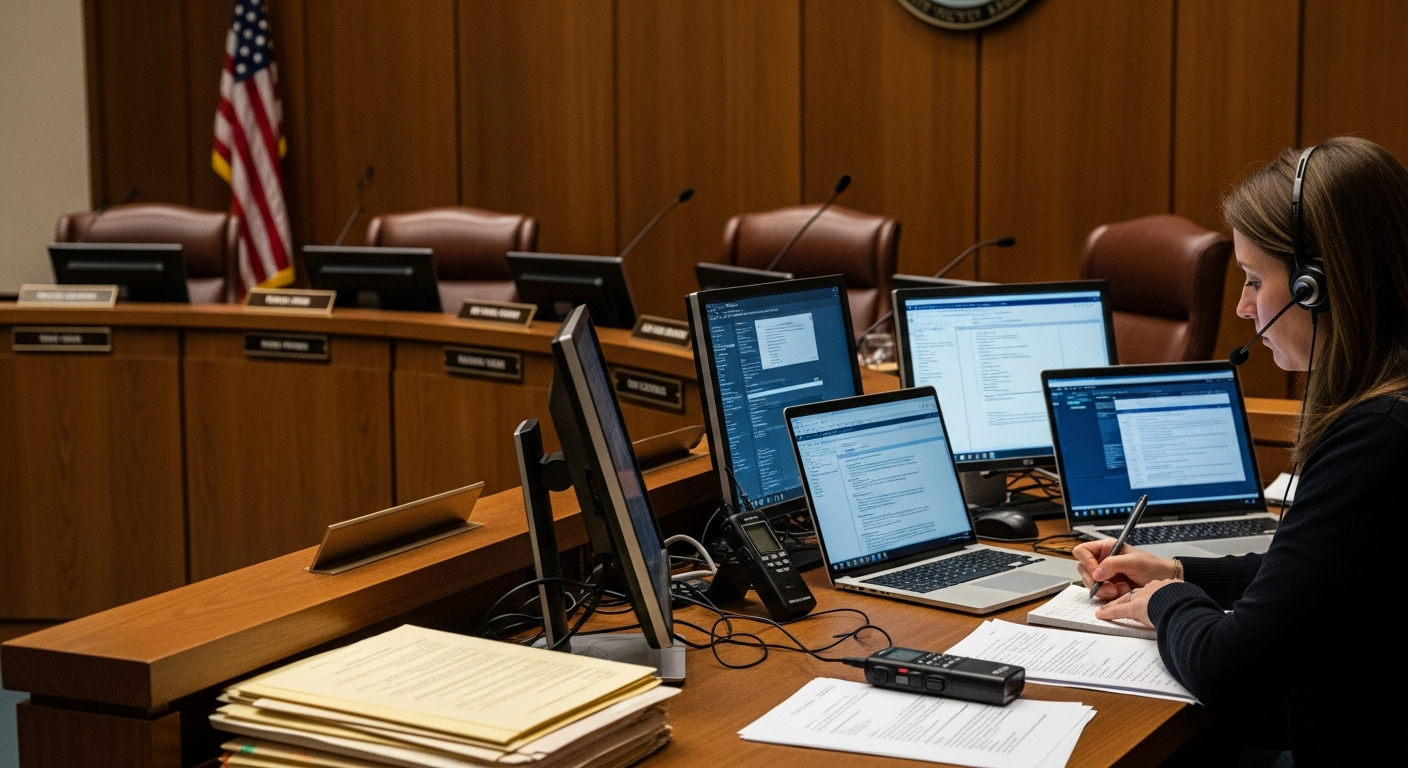
Track motions, record votes, identify speakers, and capture notes live while the meeting moves at its own pace and the devices stack up. Miss a moment and you're rebuilding it from memory later.
After the meeting
Turning hours of video into the record
When the gavel falls and the meeting ends, the real work begins: searching a video improperly indexed, trusting captions that drift, and piecing together people talking over each other, all to produce minutes on a 48-hour deadline.
From running the room to publishing the record.
Run the meeting, capture each decision, and review minutes against the agenda and recording. Staff approve the official minutes before publication. Streaming, searchable recordings, and post-meeting transmittal stay connected in Govinity Gavel.
Run the meeting
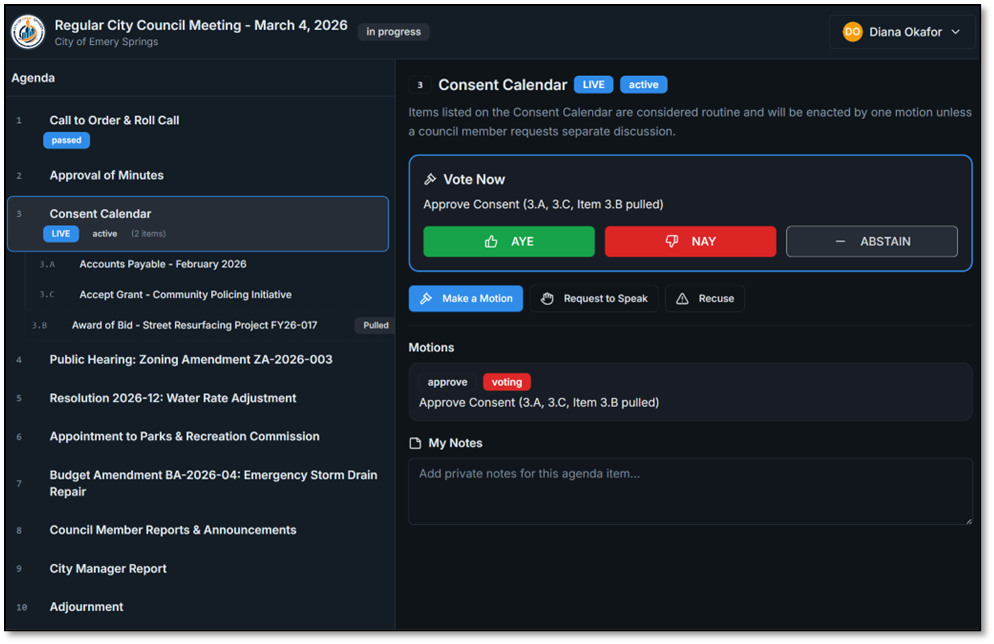
Manage motions, roll call, speakers, and the live broadcast from the clerk console
Capture decisions
Record votes and motions against their agenda items, with results visible to the dais and public
Review minutes
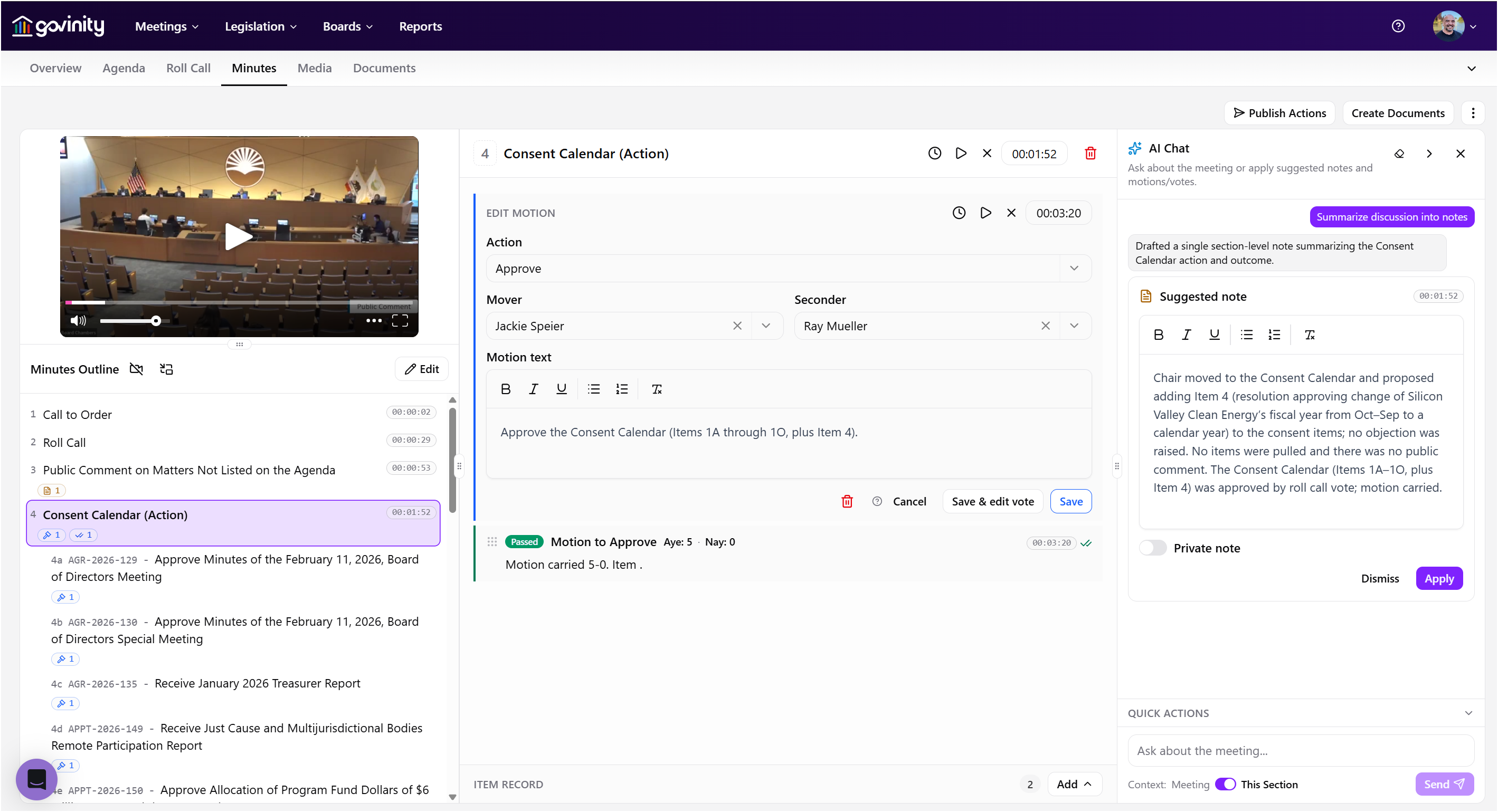
Work item by item from the published agenda, with AI assistance and human review
Approve and publish
Approve the official minutes before publication, with the archive and post-meeting transmittal connected
Run the room. Capture the decision. Keep the record connected.
Motions and votes become part of the record as they happen. Streaming, transcripts, item-by-item minutes, and post-meeting transmittal stay together, with human review before the official minutes are published.
Motions and votes, captured as they happen
- Manage real-time motions and roll call votes during the meeting
- Tie each vote and motion directly to its agenda item
- Show live vote tallies and per-member results to the dais and public at the same time
- Keep decisions in the meeting record instead of reconstructing them afterward
One console for running the room
- Manage the meeting from a compact clerk console, with controls in a small strip of the screen
- Keep motions, roll call, and speakers within the meeting workflow
- Let members highlight, comment, and add freehand markup on their own devices
- Monitor connection and encoder status while the broadcast is live
Live broadcast and automatic archive
- Live public stream from the first call to order
- Automatic video-on-demand archive of every meeting
- Retention rules that match your records schedule
- Live and on-demand public viewing through included Govinity Access
Live captions built for public meetings
- Real-time closed captioning
- Procedural-language accuracy beyond off-the-shelf transcription
- Viewing built to WCAG 2.1 AA for residents who need it
Diarized, searchable transcripts
- Diarized transcripts with named speaker attribution
- Processing a video with its transcript takes minutes, whatever the meeting length.
- Every line synced to its exact moment in the video
- Click a transcript line to jump straight to that moment in playback
- Full-text search across one meeting or every meeting
- Quote-ready exports for staff, press, and the public
Agenda-indexed playback
- Every agenda item linked to its exact place in the video
- Public portal viewers jump straight to the item they care about
- Clerks navigate the record by item, not by timecode
- Zero manual indexing: the structure comes from the agenda itself
Item-by-item minutes. Human-approved.
- A minutes workspace built from the published agenda, not a blank page
- Draft minutes with motions, seconds, and votes connected to the agenda item
- On request, AI summarizes one item's discussion using only that item's transcript timestamps
- Structured to your jurisdiction's minutes format
- Staff editing, review, approval, and publication of the official minutes
- AI assists; the clerk decides. Nothing automatically publishes
Post-meeting transmittal
- Carry meeting decisions forward into post-meeting transmittal
- Keep transmittal within the same platform as the official meeting record
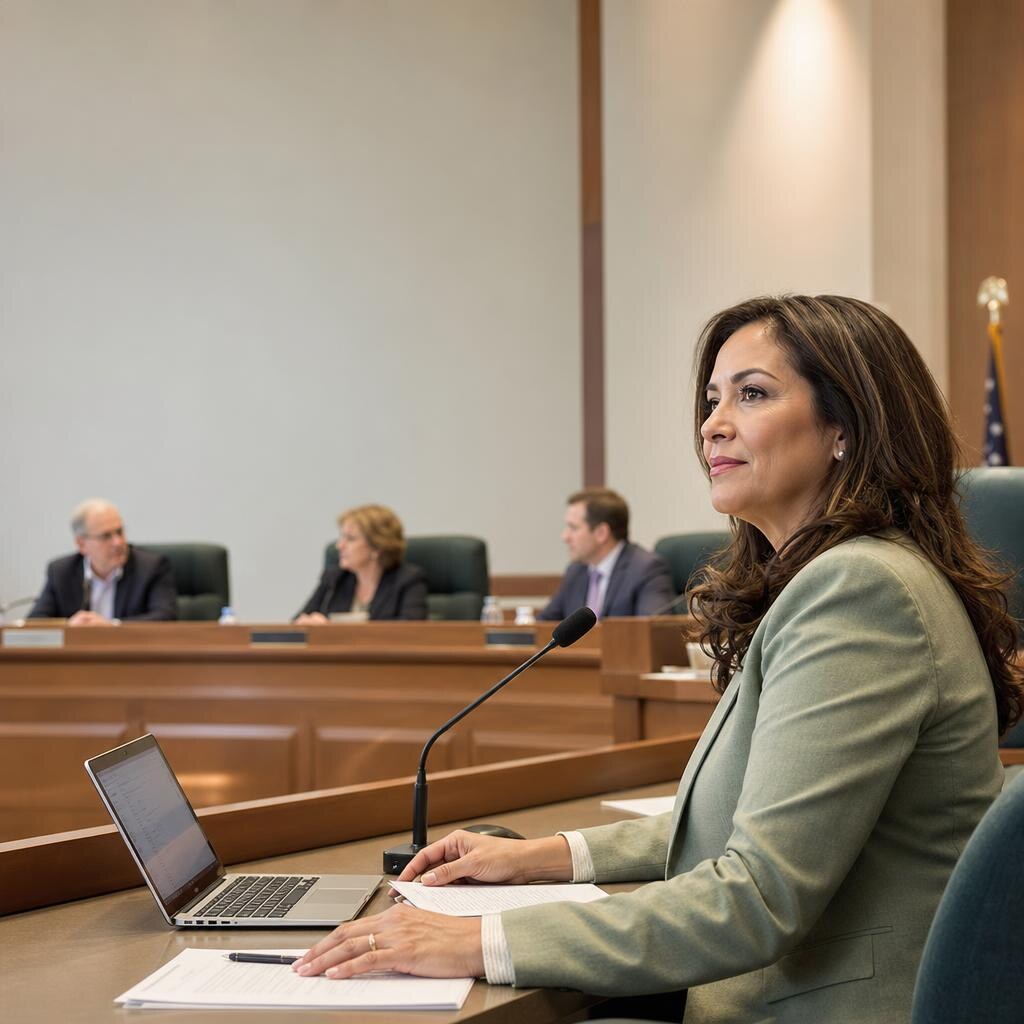
The people behind this product have authored the minutes themselves.
Govinity Gavel was shaped by a team that includes former municipal clerks and board secretaries with a combined three decades inside the room. We've authored minutes past midnight, played back the same five minutes of audio fifteen times to catch the exact wording of a motion, and answered the records request that needed to know who said what. The product reflects doing the work for a generation, and what that work actually requires.
Watch live or on-demand. Open to the whole community.
Residents shouldn't have to be procedural experts to follow their own government. Govinity Access, included with Govinity Gavel and every other Govinity product, provides the public portal and reporting. The community can watch meetings live or on demand, with captions and direct links to the agenda items they care about.
- Watch live or on-demand without an account, app download, or paywall
- Live captions on every meeting, built for accessibility
- Jump straight to any agenda item without scrubbing through hours of video
- Searchable transcripts, indexed to the recording, available to everyone
- Native translation in more than a dozen languages and counting, built into Govinity without relying on Google Translate
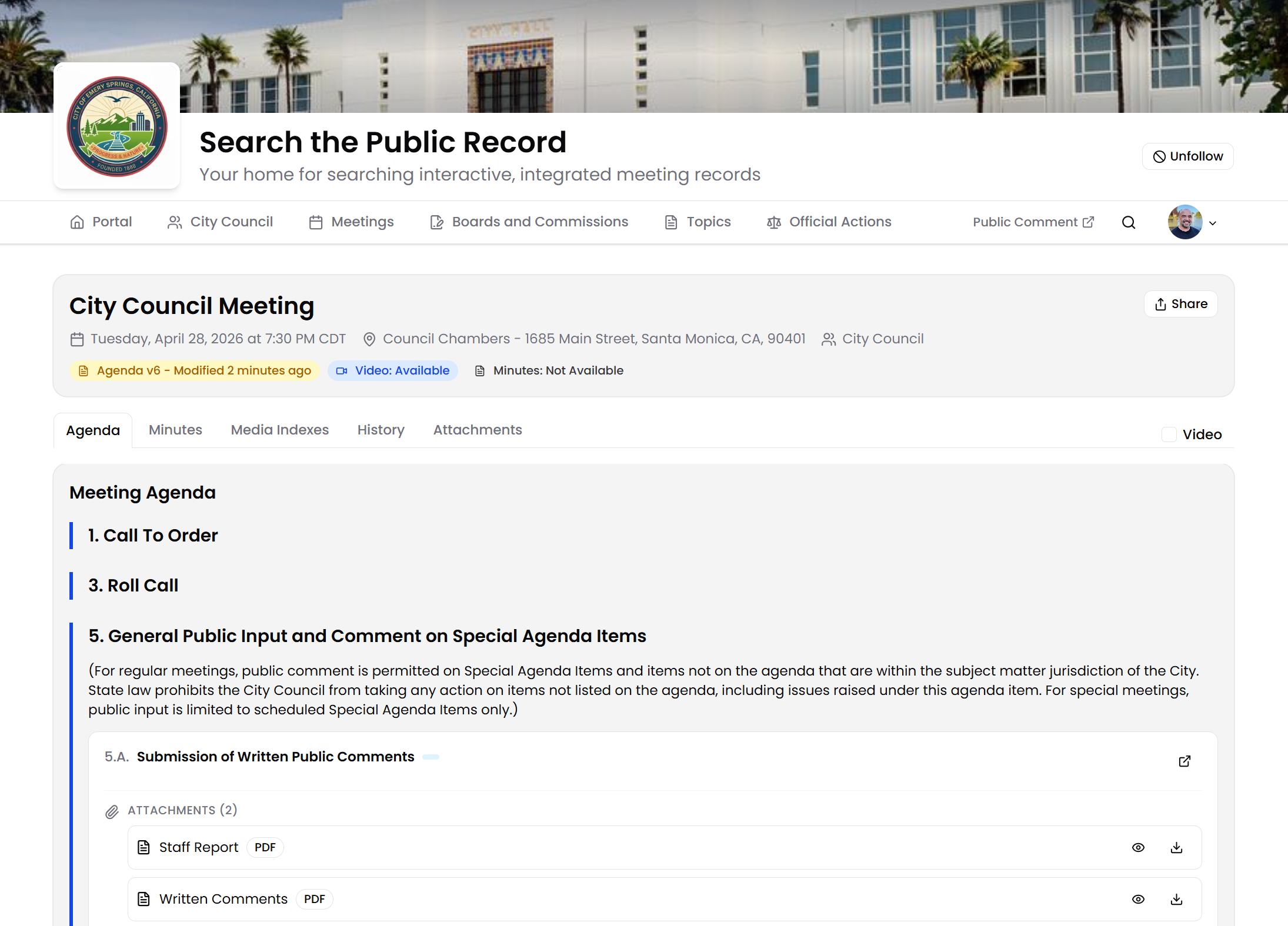
Work with the equipment you already use.
Govinity Gavel works with Zoom and can ingest your existing meeting audio/video capture and YouTube feed. The base setup does not require new hardware. An encoder appliance or in-chamber display and voting equipment is available as a scoped, optional add-on.
When used with Govinity AgendaCycle, recorded votes connect to the agenda item and minutes through the shared data model. With Govinity Tenure, the member record carries from appointment into meetings and votes without re-entry.
Govinity Gavel, Govinity AgendaCycle, and Govinity Tenure are available together or separately. AgendaCycle and Tenure are not included with Gavel.
Included with every product
Govinity Access provides the public portal, engagement, notifications, and reporting, including public viewing of meetings and their records.
Available with every product
Govinity Gateway connects the official record to your website, other systems, and the AI tools you already use.
Ready to run the meeting and capture the whole record?
We'll walk you through Govinity Gavel using a real meeting, so you can see how it fits your team's workflow. You'll see motions, roll call votes, streaming, live captions, item-by-item minutes review, and post-meeting transmittal.
Frequently asked questions
What does Govinity Gavel do?
Govinity Gavel runs the public meeting from the first gavel to the last: motions, roll call votes, streaming, closed captioning and minutes. Every vote is recorded the moment it happens and attached to its agenda item. The dais and the public screen show the same result at the same time. When the meeting ends, the minutes are already built around the agenda, so the clerk isn't starting from a blank page.
Why not just use an AI tool that writes our minutes?
Because those tools hand back a Word document, and who moved, who voted and what passed end up buried in a file nobody can search by item. In Gavel, AI drafts the minutes inside the system, tied to each agenda item and the matching moment in the video. Transcripts name every speaker and connect them to the actions they took. The clerk approves every line before anything is saved or published.
Does Govinity's AI publish anything on its own?
No. A staff member reviews and approves every AI-generated draft before it's saved or published, and the agency owns everything AI helps produce. AI assists; the clerk decides.
Will our meeting data be used to train AI models?
No. Govinity's AI features run under enterprise terms with leading AI providers, and those terms prohibit using your content to train their models. Each AI request stands alone, so no information carries over between requests or between agencies.
Do we need new equipment to stream our meetings?
No. Gavel works with your existing YouTube channel and your current meeting audio and video, and it works with Zoom. After a one-time setup, transcription, speaker names and agenda timestamps happen automatically. An encoder and in-chamber voting or display equipment are available as optional add-ons if you want them.
Can residents find one decision without watching the whole meeting?
Yes. Every meeting has a searchable transcript synced to the video. Residents search for a word, click the line and jump straight to that moment. Search also reaches migrated older meetings, across video, PDFs and agenda item titles.
Can Gavel replace our Granicus streaming and meeting video?
Yes. Gavel covers live and on-demand streaming, real-time closed captioning, searchable transcripts synced to the video and the full meeting archive. It replaces the separate encoder-to-Legistar setup: send us your video, and transcription, speaker names and agenda timestamps happen automatically. Alachua County, FL is moving from Granicus to Govinity in phases, with streaming in a later phase.
What happens if something goes wrong during a live meeting?
You reach a person right away. Live, in-app support covers evening meetings, and we respond within 15 minutes to meeting-day issues. You talk to the engineers who build Govinity, and anything that needs more attention goes straight to a founder. Whoever runs the meeting can also watch connection and encoder status live, so a stream problem shows up as it happens, not after.
What kind of support do we get?
You talk to the engineers who build Govinity, and anything that needs more attention goes straight to a founder. We respond the same day, every time, and within 15 minutes for meeting-day issues. Live, in-app support covers evening meetings, too. You get a named project manager through implementation and a named customer success manager after go-live. Support is unlimited and included in your subscription.